This appendix contains the following topic:
Federal Tax Table Update Instructions
Federal Tax Table Update Instructions
Passport Software provides the new tables in each Year End Update. After installing this YE update you may run the FEDUPDATE.BAT from the top level directory of your PBS install to import those tax tables. Always make sure you have a complete backup before applying any updates.
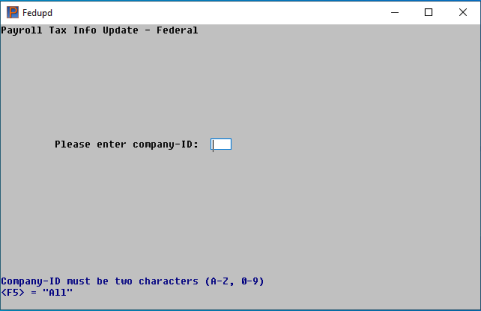
The utility will ask you which companies you would like to update (Select the <F5>key for "ALL")
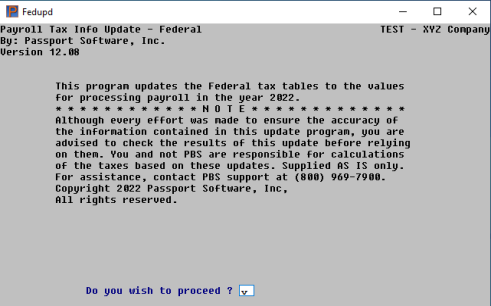
You will be asked if you want to continue. Passport Support contact information will also display in case you need assistance.
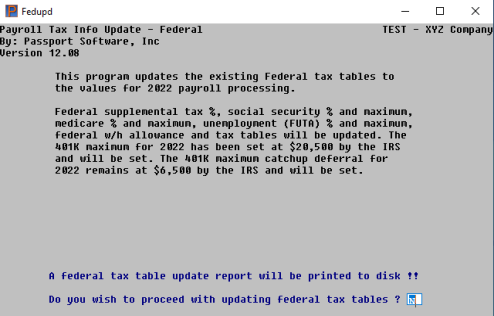
The next screen details what those Federal Tax Table changes include and asks if you wish to continue.
Once the process is complete, the following message will display.
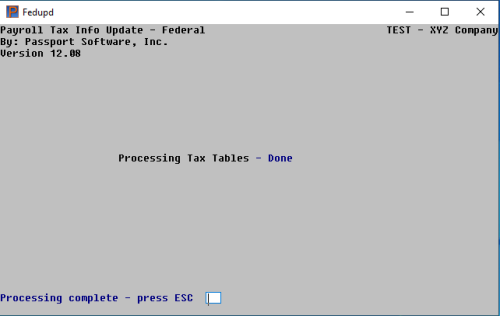
Select the <Escape> key to exit. An unnamed report will automatically be printed to disk showing the before and after information in the tax tables.